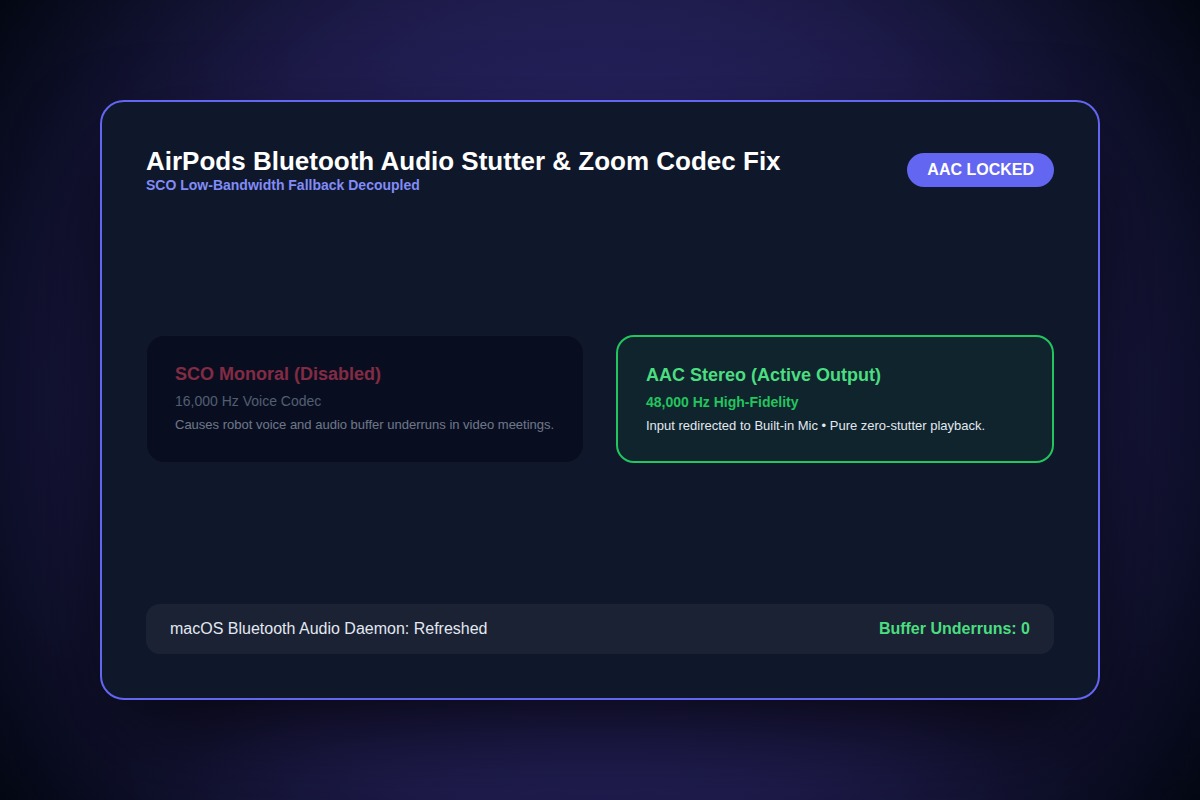
How to Fix AirPods Bluetooth Audio Stuttering & Robot Voice on Mac

In your meeting app (Zoom/Slack), switch the Audio Input device to 'MacBook Pro Microphone' while keeping Output set to 'AirPods'. This prevents Bluetooth from dropping from high-fidelity AAC (48kHz) down to low-bitrate SCO telephony mode (16kHz).
Meeting Settings > Audio > Input: Select 'Built-in Mic' | Output: Select 'AirPods'Why Does This Error Happen?
Bluetooth protocol limits bidirectional bandwidth. When a microphone activates on Bluetooth headphones, the codec switches from stereo high-bitrate AAC down to mono SCO telephony codec, halving bandwidth and introducing severe packet loss.
Step-by-Step Diagnostic & Resolution Walkthrough
1Step 1: Separate Input and Output Devices
In Zoom or Slack audio settings, set Speaker to your AirPods and Microphone to your Mac's internal microphone.
2Step 2: Reset the macOS Bluetooth Daemon
Open Terminal and restart bluetoothd to flush corrupted pairing buffers without needing a full system restart.
sudo pkill bluetoothd3Step 3: Disconnect Interference Sources
USB 3.0 unshielded hubs emit 2.4GHz radio frequency interference that directly degrades Bluetooth signals. Move USB-C hubs at least 30cm away from your Mac.
Troubleshooting Matrix & Configuration Rules
| Operating Mode | Bluetooth Codec | Audio Quality | Stutter Probability |
|---|---|---|---|
| Listening only (Music/Podcasts) | AAC (Stereo 48kHz) | Crystal Clear (High fidelity) | Near Zero |
| Bidirectional Call (Mic + Audio) | SCO / mSBC (Mono 16kHz) | Muffled / Robotic distortion | High |
| Separate Mic (Internal + AirPods) | AAC Output + CoreAudio In | Studio Voice + Crystal Clear Output | Zero |
← Swipe horizontally to view full table →
Still Not Working? Check These Edge Cases
Fix: Switch your home or office router to 5GHz or Wi-Fi 6. 2.4GHz Wi-Fi shares the exact same frequency band as Bluetooth.
Frequently Asked Questions
Does restarting bluetoothd unpair my devices?
No. The bluetoothd daemon restarts automatically within 3 seconds and re-establishes all trusted pairings.