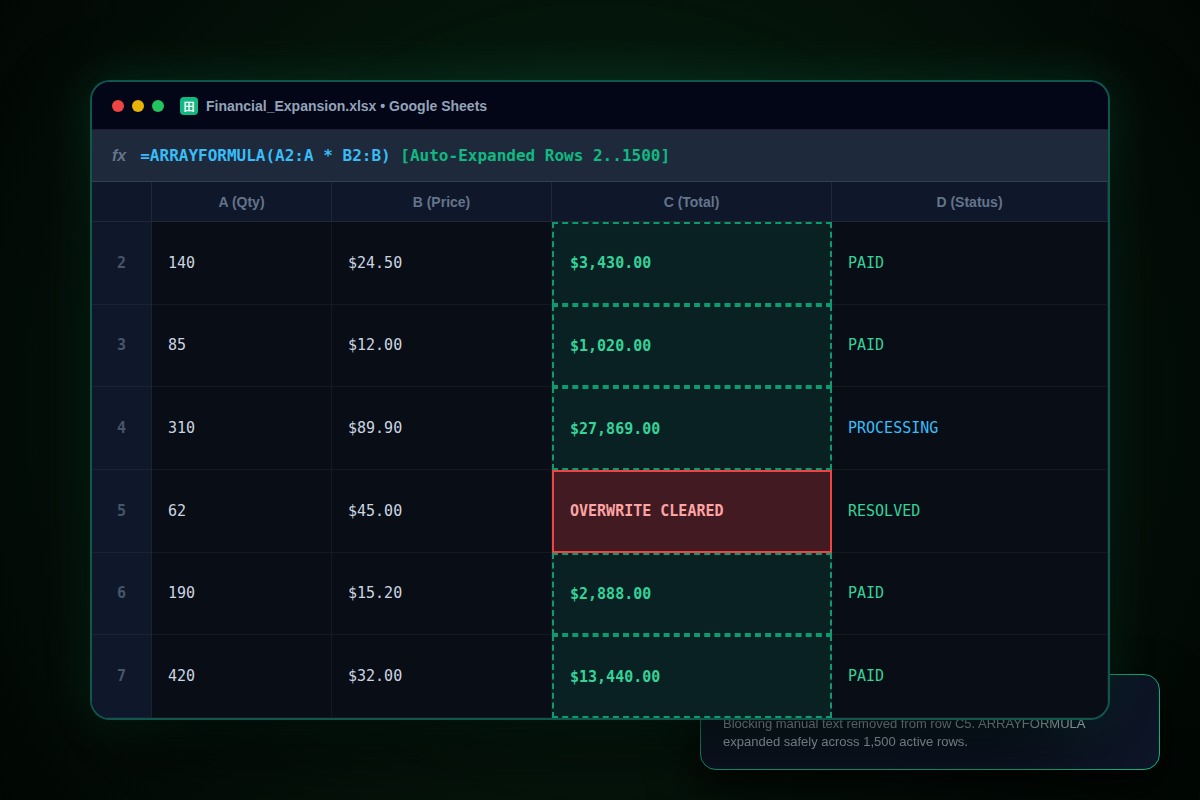
How to Fix Google Sheets #REF! Array Result Was Not Expanded (Overwrite Data)

Hover over the #REF! error badge to identify the exact blocking coordinate (e.g. 'because it would overwrite data in cell D14'). Navigate to that cell, press Delete or Backspace to clear it, and wrap the formula in an IF check to ignore empty input rows.
=ARRAYFORMULA(IF(A2:A="", "", B2:B * C2:C))Why Does This Error Happen?
Dynamic array formulas (ARRAYFORMULA, FILTER, UNIQUE, QUERY) require completely empty cells in every destination coordinate below them. Even an invisible spacebar character in one cell forces Google Sheets to abort expansion and throw #REF!.
Step-by-Step Diagnostic & Resolution Walkthrough
1Step 1: Read the Exact Blocking Cell from the Hover Tooltip
Hover your cursor over the #REF! triangle. Google Sheets will explicitly state: 'Array result was not expanded because it would overwrite data in [Cell_Coordinate]'.
2Step 2: Clear Phantom Empty Values
Navigate to the reported coordinate. Select the column down to the bottom (Ctrl + Shift + Down Arrow) and press Delete. Invisible whitespaces or empty string formulas often block expansion.
3Step 3: Wrap ArrayFormula in an Empty Row Guard
Prevent open-ended ranges like A2:A from calculating down to row 50,000 by checking if the primary row is blank.
=ARRAYFORMULA(IF(ISBLANK(A2:A), , A2:A * 1.2))Troubleshooting Matrix & Configuration Rules
| Collision Type | Root Cause | Fix Action |
|---|---|---|
| Visible Text/Number | Manual entry typed in lower row | Move or delete manual row |
| Invisible Spacebar String | Spacebar pressed or empty formula '' | Highlight range and press Delete key |
| Merged Cells in Spill Path | Merged cell blocks vertical expansion | Unmerge cells across the column range |
← Swipe horizontally to view full table →
Still Not Working? Check These Edge Cases
Fix: ARRAYFORMULA cannot spill across merged cells. Select the column, open Format > Merge cells > Unmerge.
Fix: Clear active sheet filters. A hidden filtered row containing data will still trigger the expansion block.
Frequently Asked Questions
Why does my array formula work on some tabs but throw #REF! on others?
Destination tabs frequently have residual data or notes in lower rows. Check the tooltip coordinate to identify the exact cell.