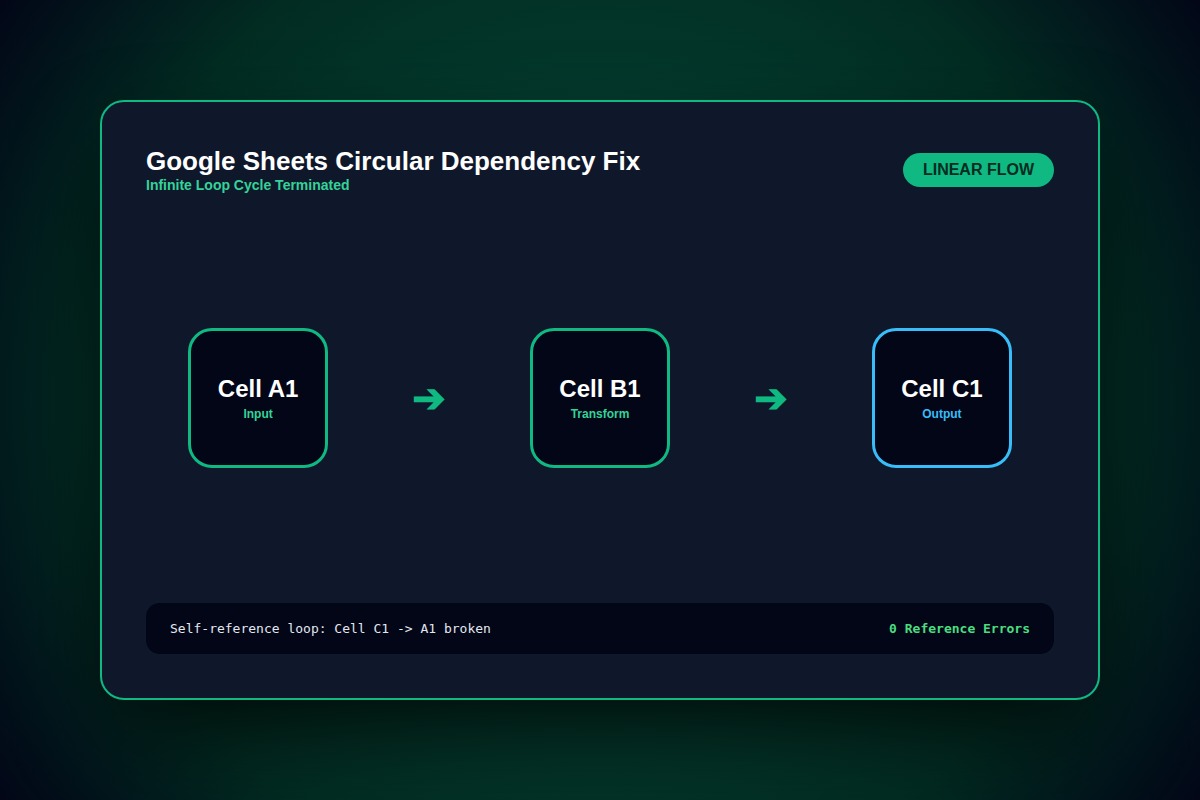
How to Fix Google Sheets 'Circular Dependency Detected' Formula Error

Inspect the formula in the offending cell for direct self-references (e.g., formula in B10 containing B10). If building an intentional counter or accumulator, enable File > Settings > Calculation > Iterative calculation.
File > Settings > Calculation > Turn ON 'Iterative calculation'Why Does This Error Happen?
Google Sheets evaluates calculation dependency graphs as Directed Acyclic Graphs (DAG). When cell A depends on cell B which references cell A, a cycle occurs, halting the calculation engine to prevent stack overflow.
Step-by-Step Diagnostic & Resolution Walkthrough
1Step 1: Identify the Culprit Cell from Formula Highlight
Click on the cell displaying #REF! 'Circular dependency detected'. Look inside the formula bar to see which range includes the cell's own coordinate.
2Step 2: Correct Range Boundaries
If your formula is located in row 25 (e.g., cell B25), change =SUM(B2:B25) to =SUM(B2:B24). Never allow an aggregation range to encompass the formula cell itself.
=SUM(B2:B24)3Step 3: Enable Iterative Calculation (If Intentional)
If you intentionally designed a recursive algorithm or timestamp lock, navigate to File > Settings > Calculation. Switch Iterative calculation to 'On' and set Max number of iterations to 50.
Troubleshooting Matrix & Configuration Rules
| Calculation Setting | Behavior with Self-Reference | Recommended Use Case |
|---|---|---|
| Iterative Calculation: OFF (Default) | Throws immediate #REF! error | 99% of financial models and business reporting. |
| Iterative Calculation: ON (100 Iterations) | Loops calculation until threshold is reached | Custom iterative convergence, accumulators, timestamp freeze. |
| Threshold (e.g., 0.001) | Stops loop when delta between runs is smaller than threshold | Engineering calculations and mathematical approximations. |
← Swipe horizontally to view full table →
Still Not Working? Check These Edge Cases
Fix: Trace cross-sheet references using the formula audit feature or replace indirect cross-links with static values or database lookups.
Frequently Asked Questions
Does turning on Iterative Calculation slow down Google Sheets?
Yes, enabling iterative calculation causes all dependent formulas across the entire spreadsheet to re-evaluate on every single keystroke up to the max iteration count, impacting responsiveness on large datasets.