How to Fix Google Sheets QUERY 'Unable to Parse Query String' Error

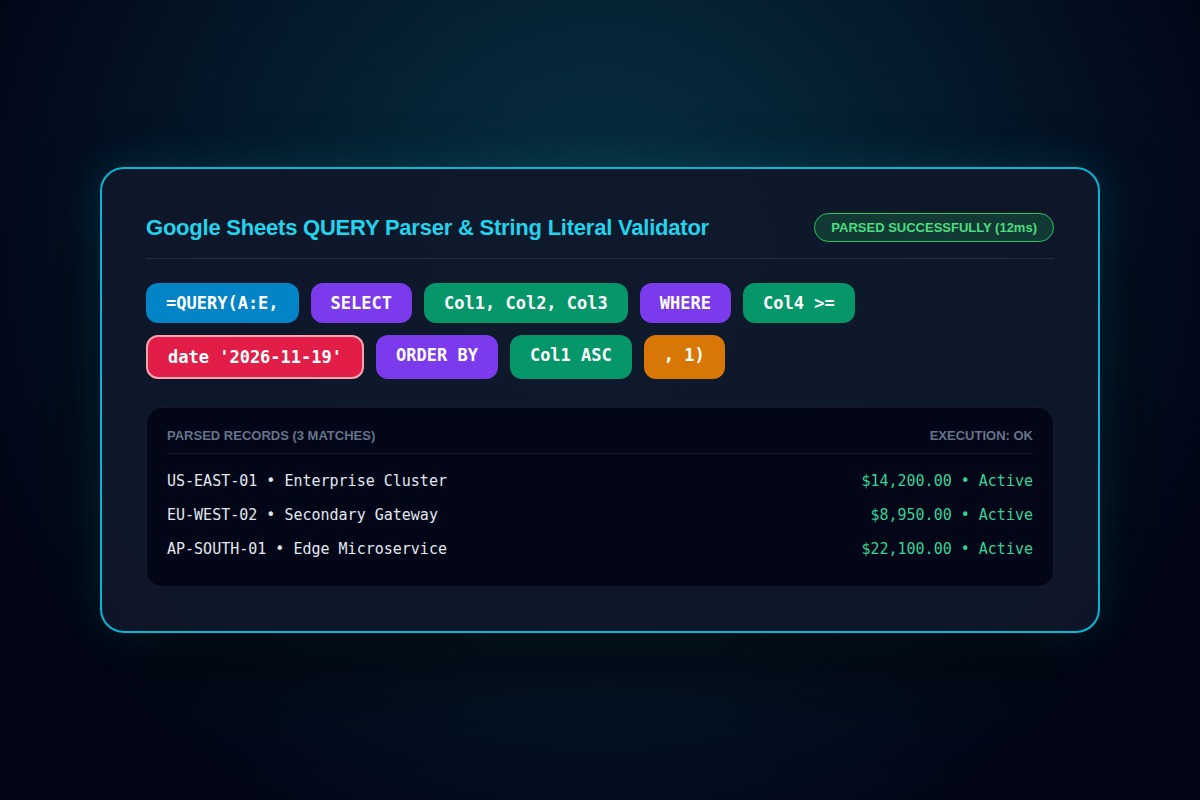
If querying an array or IMPORTRANGE result inside QUERY, you must reference columns as Col1, Col2 (case-sensitive) instead of A, B. For date filtering, wrap dates in the date 'yyyy-mm-dd' literal format.
=QUERY(A2:E, "select A, B where C = 'Active' and D > 500", 0)Why Does This Error Happen?
The Google Visualization API Query Language enforces strict SQL-like grammar. Referencing standard letters like A, B inside computed arrays ({A2:D}) or failing to wrap text strings in single quotes triggers fatal parse errors.
Step-by-Step Diagnostic & Resolution Walkthrough
1Step 1: Check Col1 vs Letter Notation
When querying direct cell ranges (A2:D), use capital letters: 'select A, B'. When querying IMPORTRANGE or curly-brace arrays ({A2:D}), use capital 'Col' followed by index: 'select Col1, Col2'.
2Step 2: Escape Text Strings with Single Quotes
All string comparisons within the query parameter must be enclosed in single quotes. Never use double quotes inside the SQL string.
=QUERY(A2:D, "select A where B = 'Completed'", 1)3Step 3: Use Standard ISO Date Literals
Google Sheets QUERY does not accept raw serial numbers or localized dates. Format dates explicitly as yyyy-MM-dd preceded by the keyword date.
=QUERY(A2:D, "select A where C >= date '2026-01-01'", 1)Troubleshooting Matrix & Configuration Rules
| Data Source Format | Valid Column Identifier | Invalid Syntax (Causes Error) |
|---|---|---|
| Direct range: A2:E100 | select A, C, D | select Col1, Col3 (Fails on direct range) |
| Computed array: {A2:E100} | select Col1, Col3 | select A, C (Throws parse error) |
| Nested IMPORTRANGE | select Col1, Col2 | select A, B (Fails) |
← Swipe horizontally to view full table →
Still Not Working? Check These Edge Cases
Fix: QUERY assigns data type based on majority rules (over 50%). Minority data types turn into blank cells. Format the entire source column as plain text.
Frequently Asked Questions
Why does Col1 require a capital C?
The query parser treats 'col1' or 'COL1' as an unknown token. Only exact camelcase 'Col1' is recognized.