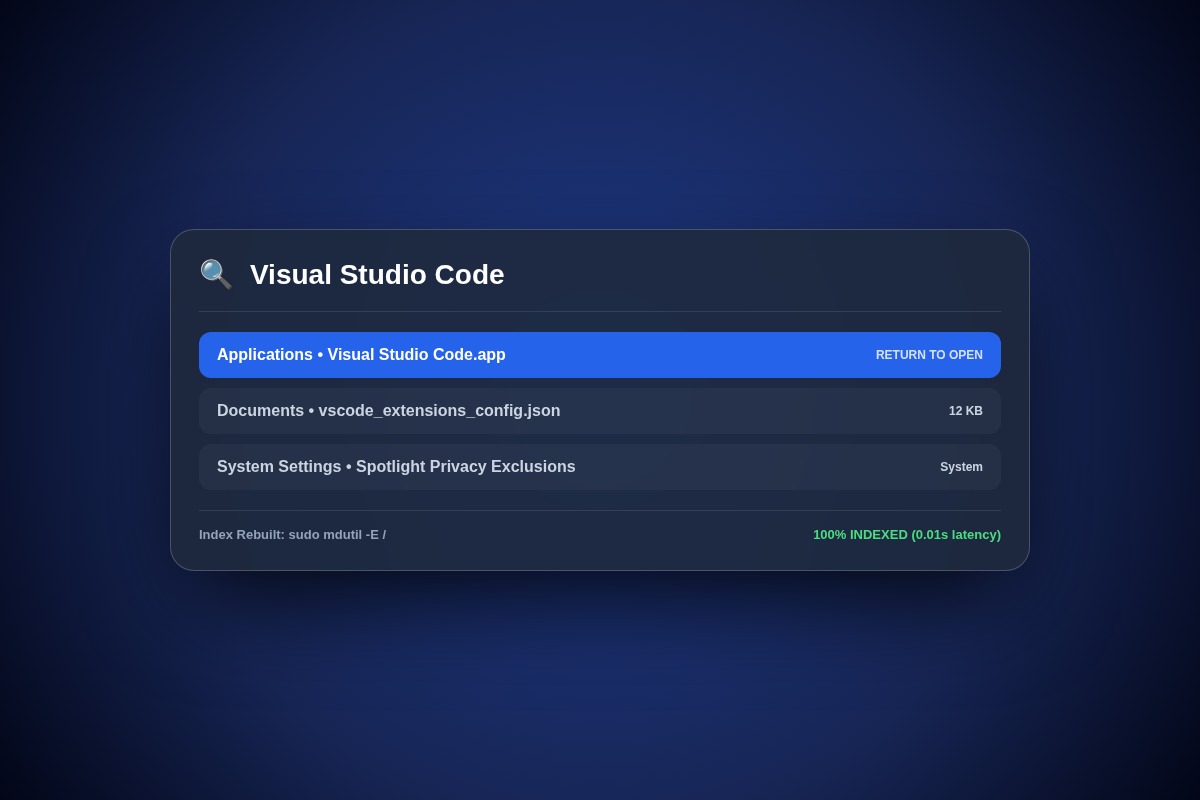
How to Rebuild Spotlight Search Index on macOS Sonoma & Sequoia

Open Terminal and delete corrupt Spotlight index databases using: sudo mdutil -E / followed by sudo mdutil -i on /. Spotlight will immediately begin a clean background re-indexing pass.
sudo mdutil -E / && sudo mdutil -i on /Why Does This Error Happen?
Corrupt metadata store files in /.Spotlight-V100 prevent the mds and mds_stores daemons from reading file attribute trees following major macOS version upgrades.
Step-by-Step Diagnostic & Resolution Walkthrough
1Step 1: Erase and Re-enable Spotlight Indexing
Open Terminal and execute the mdutil reset command with root privileges.
sudo mdutil -E / && sudo mdutil -i on /2Step 2: Monitor Indexing Progress
Press Command + Space to open Spotlight. Type any random word. If an 'Indexing...' status bar with a progress percentage appears, the rebuild is active.
3Step 3: Alternative GUI Privacy Toggle
Go to System Settings > Siri & Spotlight > Spotlight Privacy. Add your Macintosh HD drive to the excluded list, wait 10 seconds, then remove it. This forces a GUI re-index.
Troubleshooting Matrix & Configuration Rules
| Command | Action Performed | Expected Return |
|---|---|---|
| mdutil -s / | Check current indexing status | Indexing enabled. |
| sudo mdutil -i off / | Disable Spotlight indexing | Indexing disabled. |
| sudo mdutil -E / | Erase existing index databases | Indexing will be regenerated. |
← Swipe horizontally to view full table →
Still Not Working? Check These Edge Cases
Fix: Spotlight is stuck in an infinite loop scanning corrupt cache files. Add ~/Library/Caches to Spotlight Privacy exclusions.
Frequently Asked Questions
How long does it take for Spotlight to rebuild completely?
On fast SSDs with M-series chips, a typical 500GB drive indexes in approximately 15 to 30 minutes.