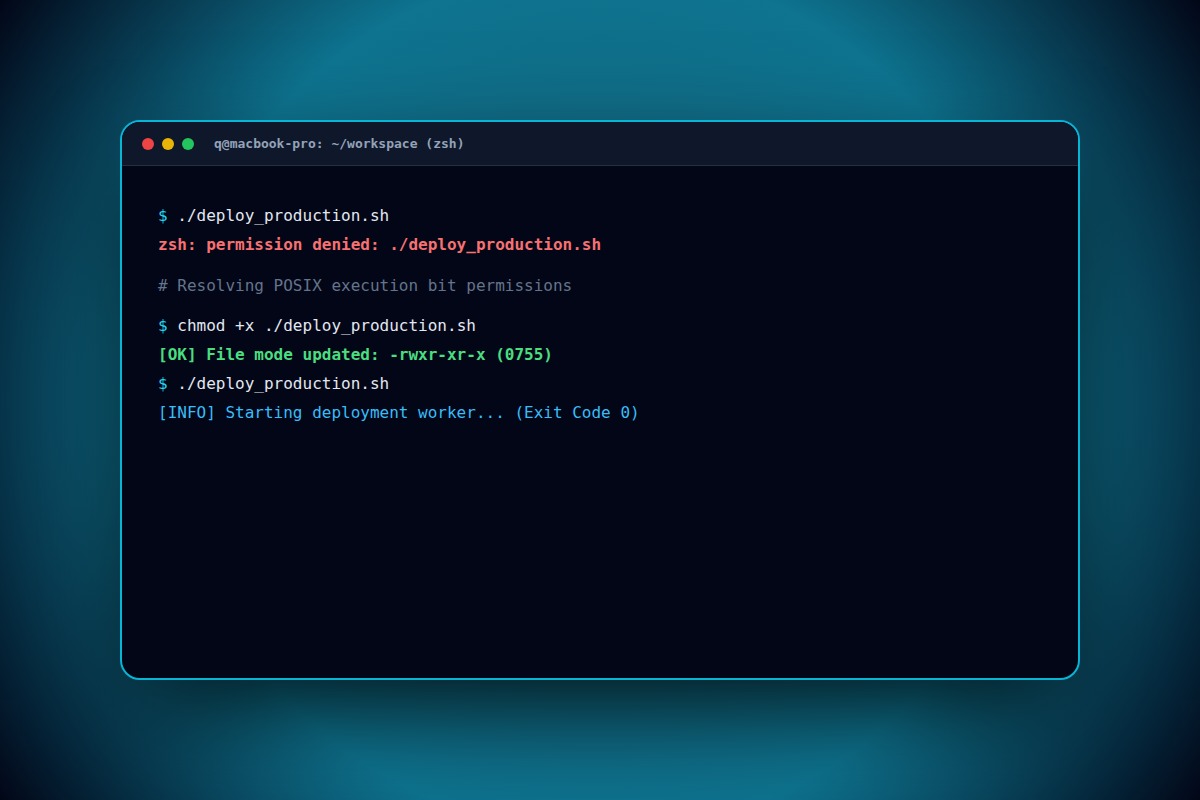
How to Fix 'zsh: permission denied' in macOS Terminal (Scripts & Binaries)

Grant POSIX execution permissions by running chmod +x script.sh. If the file was downloaded from the web, also remove Apple Gatekeeper's quarantine attribute with xattr -d com.apple.quarantine script.sh.
chmod +x script.sh && xattr -d com.apple.quarantine script.shWhy Does This Error Happen?
UNIX files created or downloaded by default lack the executable (+x) bit in their file mode flags, or contain Apple's extended quarantine attribute com.apple.quarantine preventing process execution.
Step-by-Step Diagnostic & Resolution Walkthrough
1Step 1: Check Current File Permissions
Run ls -l on the target file in Terminal. If permissions start with -rw-r--r-- rather than -rwxr-xr-x, execution permissions are absent.
ls -l ./myscript.sh2Step 2: Add POSIX Execute Permissions (+x)
Apply the chmod executable flag to the script or binary file.
chmod +x ./myscript.sh3Step 3: Strip Gatekeeper Quarantine Flag
For scripts downloaded from GitHub or Slack, Apple marks them with a quarantine flag. Clear it using xattr.
xattr -d com.apple.quarantine ./myscript.shTroubleshooting Matrix & Configuration Rules
| Terminal Error | Cause | Resolution Command |
|---|---|---|
| zsh: permission denied: ./file | Missing execute (+x) permission flag | chmod +x ./file |
| zsh: command not found: ./file | Executing without path prefix or bad shebang | Add #!/usr/bin/env bash as line 1 |
| killed: 9 / security block | Gatekeeper quarantine / code signature | xattr -d com.apple.quarantine ./file |
← Swipe horizontally to view full table →
Still Not Working? Check These Edge Cases
Fix: FAT32/exFAT filesystems do not support POSIX permission bits. Copy the script to ~/Documents on your APFS boot drive before running chmod +x.
Frequently Asked Questions
Why does zsh say permission denied even when running with sudo?
If the file does not have the executable bit (+x) set, even the root user cannot execute it as a binary. You must run chmod +x first.