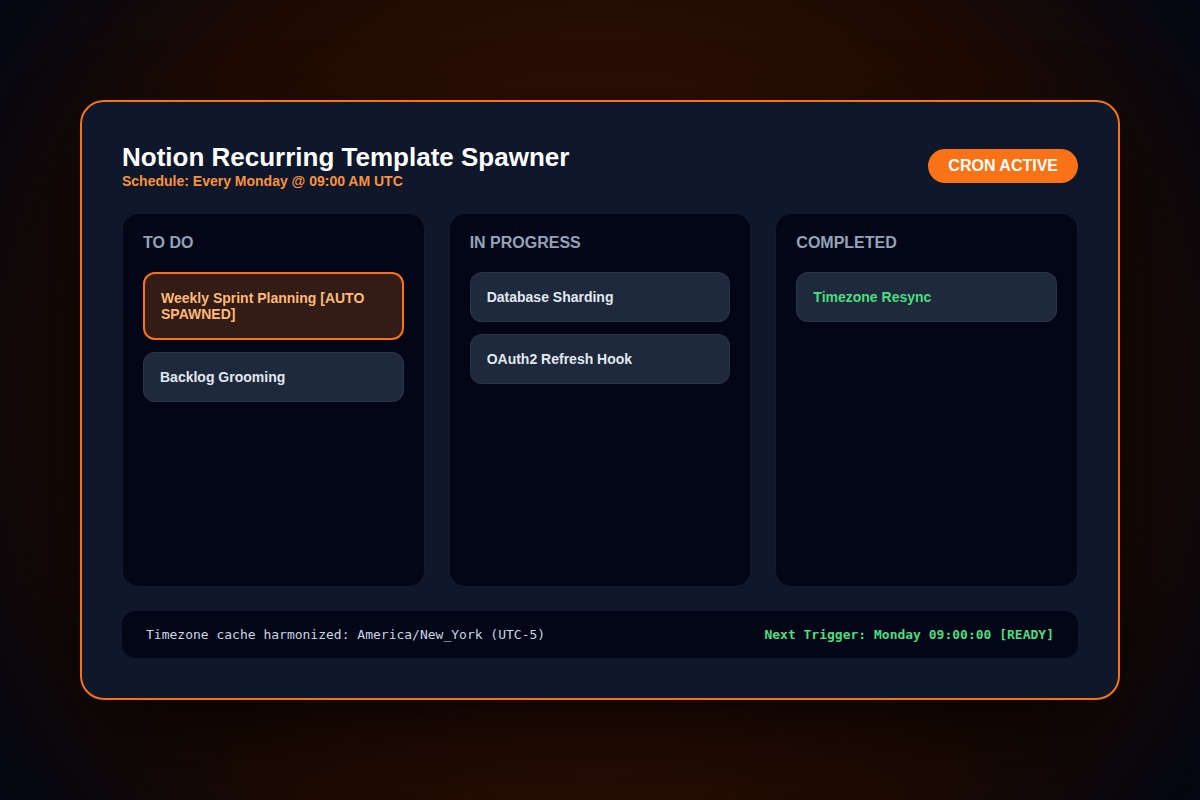
How to Fix Notion Recurring Templates Not Auto-Generating Pages

In Notion database view, click the dropdown next to the blue 'New' button > Edit the template > verify 'Repeat' toggle is active, and inspect Notion's internal account Timezone in Settings > Language & Region.
Database > New (dropdown) > Edit Template > Repeat: Set to Every Day / WeekWhy Does This Error Happen?
Repeating templates trigger based on the account creator's timezone, not the viewer's local clock. If your Notion workspace timezone differs by 8 hours, morning templates trigger in the late afternoon.
Step-by-Step Diagnostic & Resolution Walkthrough
1Step 1: Check Template Repeat Status
Open the database. Click the down arrow next to the blue New button. Find your template and click the three dots > verify Repeat is set to On.
2Step 2: Harmonize Account and Workspace Timezone
Go to Settings & Members > My Settings > Language & region. Enable 'Set timezone automatically using your location' to prevent UTC execution drift.
3Step 3: Ensure Parent Database Is Not Archived
Repeating templates in trash or archived sub-pages will not trigger. Move the database to a verified top-level teamspace.
Troubleshooting Matrix & Configuration Rules
| Condition | Behavior | Fix Action |
|---|---|---|
| Timezone mismatch | Page creates hours late | Set timezone to match your working hours |
| Template set to Draft | Never creates page | Publish template to active status |
| No workspace edit rights | Silent execution skip | Grant creator Full Access to parent database |
← Swipe horizontally to view full table →
Still Not Working? Check These Edge Cases
Fix: Check your database views for self-referential filters that override template properties upon creation.
Frequently Asked Questions
Can Notion repeating templates generate at specific minutes?
Yes, Notion supports setting exact generation times down to the minute in your local timezone.