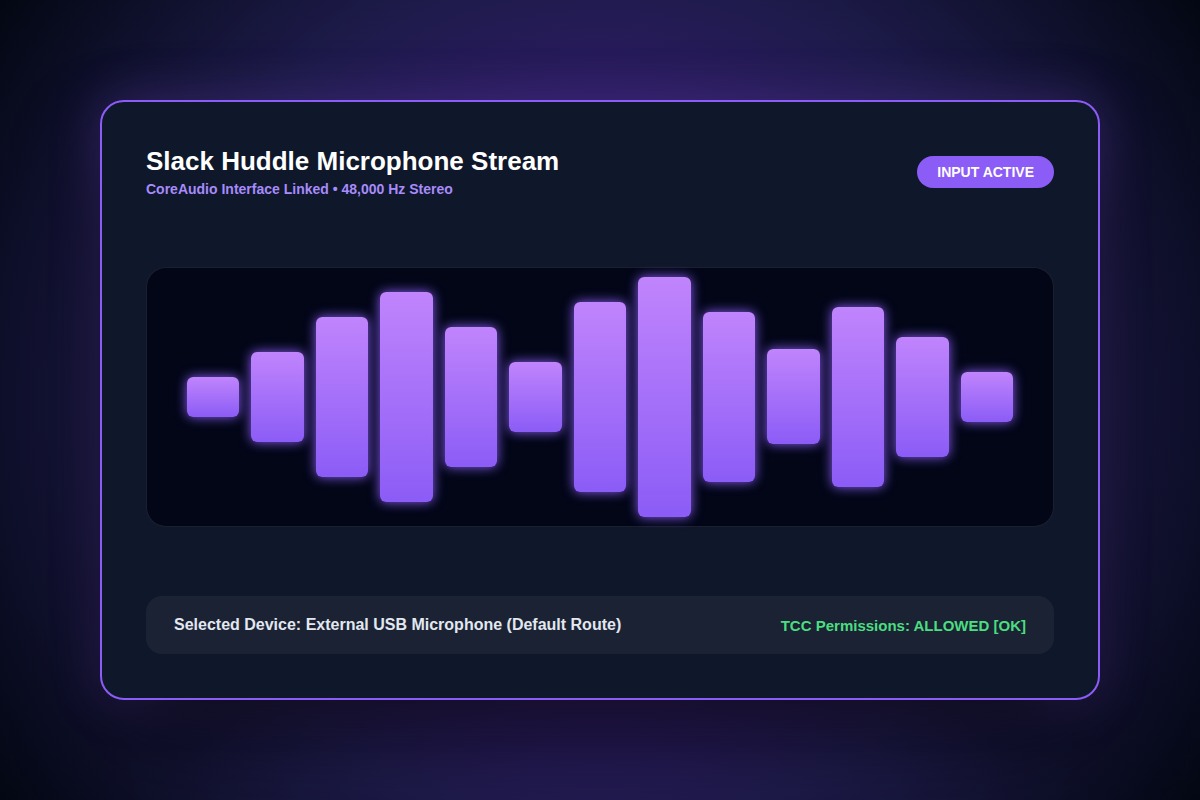
How to Fix Slack Huddle Microphone Not Working or Not Detected

In macOS, reset TCC microphone permissions via Terminal: tccutil reset Microphone com.tinyspeck.slackmacgap. On Windows, verify 'Let desktop apps access your microphone' is enabled in Settings > Privacy & Security > Microphone.
tccutil reset Microphone com.tinyspeck.slackmacgapWhy Does This Error Happen?
OS privacy updates frequently revoke microphone entitlements without prompting, leaving Slack unable to access the CoreAudio hardware stream.
Step-by-Step Diagnostic & Resolution Walkthrough
1Step 1: Verify OS Privacy Entitlements
In macOS: System Settings > Privacy & Security > Microphone. Ensure Slack is toggled ON. In Windows: Settings > Privacy & Security > Microphone > Allow desktop apps.
2Step 2: Explicitly Select Audio Device in Slack
Open Slack Preferences > Audio & Video. Do not leave Microphone set to 'Same as System'. Select your exact external headset or USB microphone.
3Step 3: Disable Exclusive Mode (Windows)
In Windows Sound Control Panel > Recording > Device Properties > Advanced, uncheck 'Allow applications to take exclusive control of this device'.
Troubleshooting Matrix & Configuration Rules
| Operating System | Error Symptom | Fix Mechanism |
|---|---|---|
| macOS Sonoma/Sequoia | Muted instantly upon join | Terminal tccutil reset command |
| Windows 11 | Robotic or 100% silent mic | Disable audio exclusive mode |
| Chrome Web Slack | Hardware blocked dialog | Allow mic in Chrome site security bar |
← Swipe horizontally to view full table →
Still Not Working? Check These Edge Cases
Fix: Select your Mac/PC internal microphone as the input device while using the Bluetooth headphones solely as the output device.
Frequently Asked Questions
Why do Zoom and Teams work while Slack Huddle mic fails?
Slack uses Electron's WebRTC audio layer which handles exclusive audio locks and background permissions differently from native apps.