How to Fix Slack 'We're Having Trouble Connecting' WebSocket Proxy Error

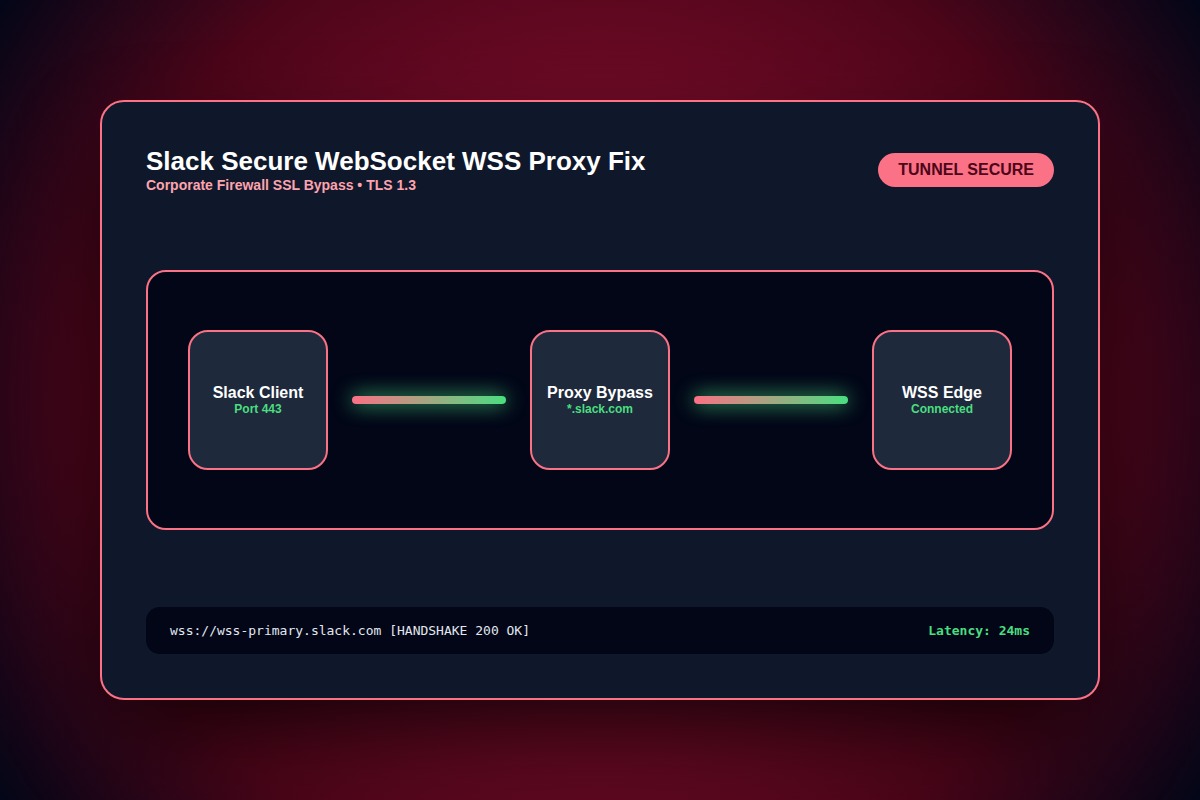
In Slack desktop app, press Help > Troubleshooting > Clear Cache and Restart. If connection fails on enterprise VPN, bypass TLS inspection for wss://*.slack-msgs.com on port 443.
Slack > Help > Troubleshooting > Clear Cache and RestartWhy Does This Error Happen?
Corporate SSL decryption (Zscaler, Palo Alto, Netskope) or stale DNS cache blocks persistent WebSocket (WSS) and HTTP/2 channels necessary for Slack's real-time message bus.
Step-by-Step Diagnostic & Resolution Walkthrough
1Step 1: Perform Deep Cache Purge via Troubleshooting Menu
Click the Help menu (macOS menu bar or Windows top-left hamburger). Navigate to Troubleshooting > Clear Cache and Restart. This purges stale IndexedDB databases.
2Step 2: Test WebSocket Connectivity in Browser
Open your browser and navigate to https://my.slack.com/help/test. The diagnostic suite tests WebSocket connectivity, SSL handshake, and ICE/STUN voice ports.
3Step 3: Flush Local DNS Resolver Cache
Clear stale DNS cache using Terminal (macOS: sudo dscacheutil -flushcache; sudo killall -HUP mDNSResponder) or Command Prompt (Windows: ipconfig /flushdns).
sudo dscacheutil -flushcache && sudo killall -HUP mDNSResponderTroubleshooting Matrix & Configuration Rules
| Host / Domain | Port | Protocol / Usage |
|---|---|---|
| *.slack.com | 443 | HTTPS (REST API, Web UI, Assets) |
| *.slack-msgs.com | 443 | WSS (Real-time message WebSocket delivery) |
| *.slack-core.com | 443 / UDP 3478 | WebRTC STUN / TURN (Huddle & Voice Calls) |
← Swipe horizontally to view full table →
Still Not Working? Check These Edge Cases
Fix: Corporate firewall is performing deep packet inspection on port 443. Request network admin to configure an SSL inspection bypass rule for Slack domains.
Frequently Asked Questions
Does Slack require UDP ports to send normal chat messages?
No. Standard text chat, file uploads, and reactions operate strictly over TCP port 443 (HTTPS/WSS). UDP is only required for Slack Huddles and video calls.