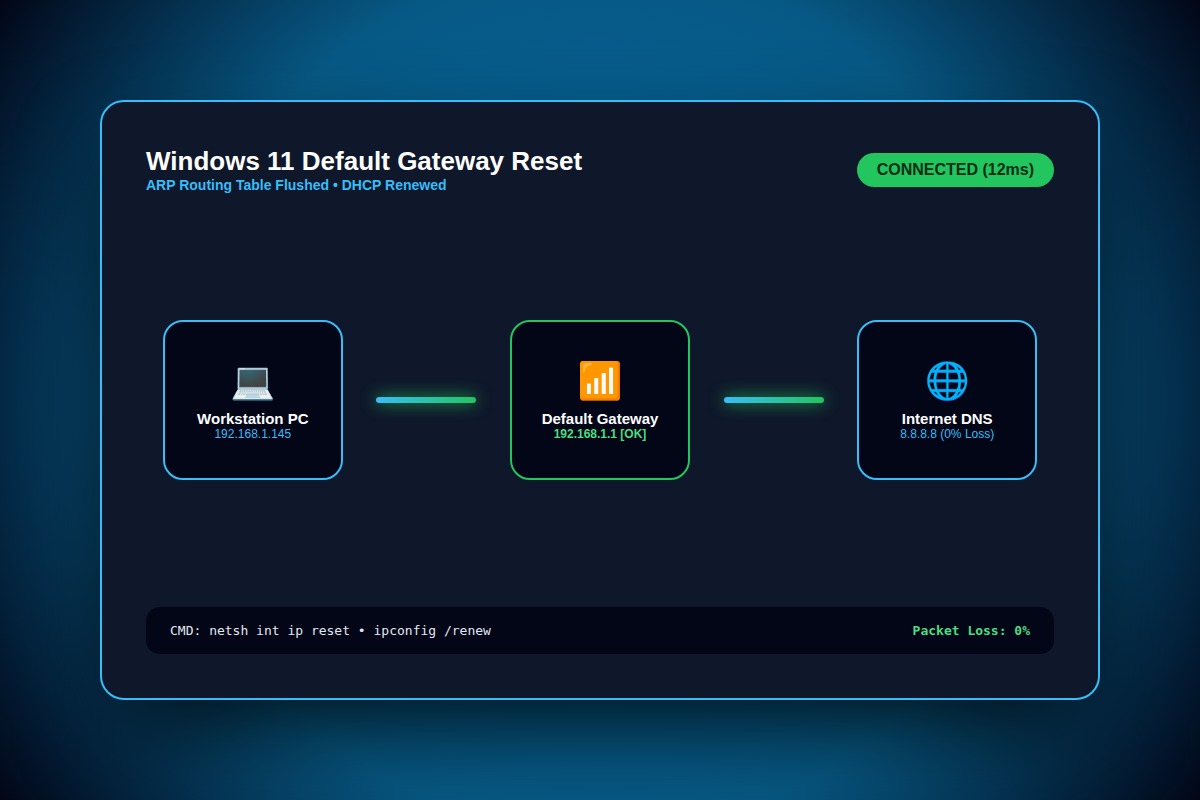
How to Fix 'The Default Gateway is Not Available' WiFi Drop in Windows 11

Open Device Manager > Network Adapters > Right-click Wi-Fi Adapter > Properties > Power Management tab > Uncheck 'Allow the computer to turn off this device to save power'.
Device Manager > Wi-Fi Adapter > Power Management > Disable power savingWhy Does This Error Happen?
Aggressive Windows Modern Standby power-saving modes cut voltage to the PCIe Wi-Fi adapter during micro-idle states, causing ARP cache invalidation and router gateway timeout.
Step-by-Step Diagnostic & Resolution Walkthrough
1Step 1: Disable Adapter Power Saving in Device Manager
Press Win + X > Device Manager. Expand Network Adapters, right-click your Intel/Realtek Wi-Fi controller, click Properties, and uncheck 'Allow the computer to turn off this device to save power' under Power Management.
2Step 2: Reset TCP/IP Stack and Flush ARP Cache
Open Command Prompt as Administrator and execute the netsh and ipconfig reset sequence.
netsh int ip reset && netsh winsock reset && ipconfig /flushdns3Step 3: Update Wireless Adapter Driver
Download the latest OEM driver directly from Intel Driver & Support Assistant or manufacturer support page rather than generic Windows Update drivers.
Troubleshooting Matrix & Configuration Rules
| Command | Action Performed | Expected Outcome |
|---|---|---|
| netsh int ip reset | Rewrites TCP/IP registry keys | Resetting, OK! Reboot required. |
| netsh winsock reset | Restores Winsock catalog to default | Successfully reset the Winsock Catalog. |
| arp -d * | Flushes corrupt gateway ARP table | Clears stale MAC-to-IP router mappings. |
← Swipe horizontally to view full table →
Still Not Working? Check These Edge Cases
Fix: Run Command Prompt as Admin and disable 802.11 Power Save Mode in your active power plan using: powercfg /setacvalueindex SCHEME_CURRENT 19cbb8fa-5279-450e-9f18-0e67275631fb 12bbebe6-58d6-4636-95bb-3216ef867b11 0.
Frequently Asked Questions
Why does the Windows Troubleshooter temporarily fix it?
The Windows Troubleshooter automatically resets the network adapter driver, re-requesting an IP from the router via DHCP. However, until power-management sleep is disabled, the adapter will drop connection again.