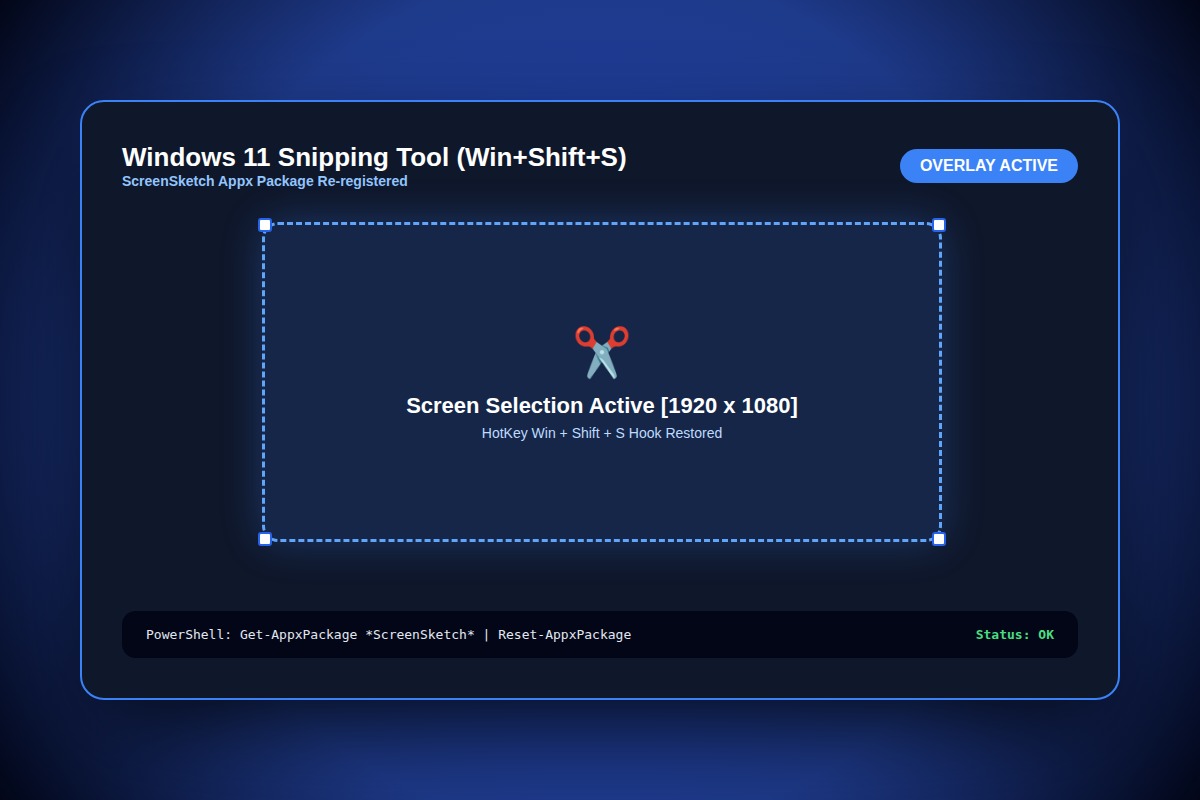
How to Fix Windows 11 Snipping Tool Not Opening or Freezing on Win+Shift+S

Open PowerShell as Administrator and run: Get-AppxPackage *ScreenSketch* | Reset-AppxPackage. Then ensure Notifications are enabled in Windows Settings > System > Notifications.
Get-AppxPackage *ScreenSketch* | Reset-AppxPackageWhy Does This Error Happen?
Corrupted Microsoft.ScreenSketch MSIX application package cache or Windows Notification service suspension prevents the snipping UI overlay from drawing on top of desktop windows.
Step-by-Step Diagnostic & Resolution Walkthrough
1Step 1: Reset the Snipping Tool Package via PowerShell
Right-click the Start button, select 'Terminal (Admin)' or 'PowerShell (Admin)', and run the AppX package reset command.
Get-AppxPackage *ScreenSketch* | Reset-AppxPackage2Step 2: Verify Windows Notification Center Is Active
Navigate to Settings > System > Notifications. Ensure Notifications are turned 'On', and scroll down to verify 'Snipping Tool' is toggled 'On'.
3Step 3: Enable Background Apps Permission
Go to Settings > Apps > Installed apps > Snipping Tool > Advanced options. Under 'Background app permissions', set the dropdown to 'Always'.
Troubleshooting Matrix & Configuration Rules
| Method | Execution Type | Success Rate |
|---|---|---|
| PowerShell Reset-AppxPackage | Clears package cache without data loss | 95% (Recommended) |
| Windows Settings App Repair | GUI button in Installed Apps > Advanced | 70% |
| Reinstall from Microsoft Store | Full uninstall & re-download from Store | 99% (Requires internet) |
← Swipe horizontally to view full table →
Still Not Working? Check These Edge Cases
Fix: Hardware acceleration conflict with discrete GPU. Disable HDR in Settings > System > Display > HDR, or update GPU drivers.
Frequently Asked Questions
Can I remap the Print Screen key directly to open Snipping Tool?
Yes, go to Settings > Accessibility > Keyboard, and toggle ON 'Use the Print screen key to open Snipping Tool'.