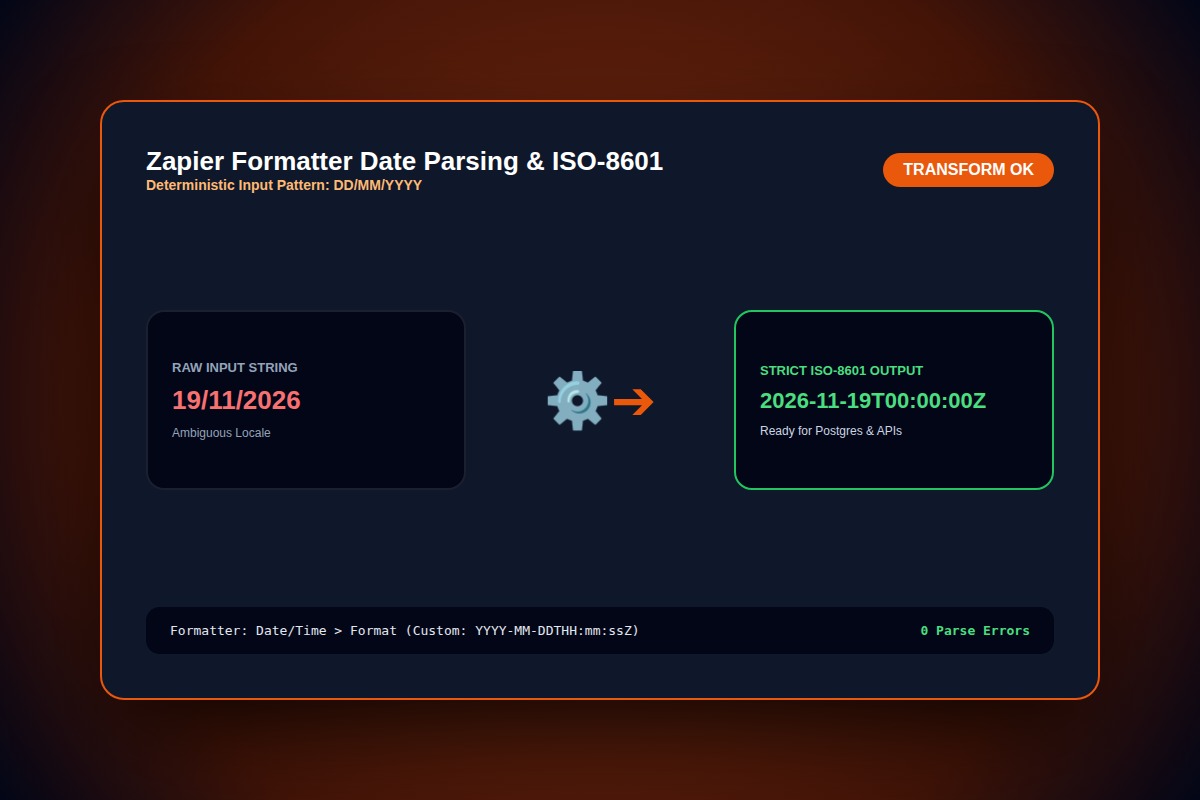
How to Fix Zapier Formatter 'Invalid Date' or Date/Time Parsing Error

In the Formatter action step, switch 'From Format' from default auto-detect to an explicit token string matching your incoming data (e.g. YYYY-MM-DDTHH:mm:ssZ or DD/MM/YYYY).
From Format: DD/MM/YYYY | To Format: YYYY-MM-DDWhy Does This Error Happen?
Zapier's auto-detect heuristic defaults to US format (MM/DD/YYYY). When international dates like 24/02/2026 arrive, month '24' is out of bounds, throwing an 'Invalid Date' exception.
Step-by-Step Diagnostic & Resolution Walkthrough
1Step 1: Inspect Upstream Payload for Raw Date Value
Open the trigger step in Zapier test view. Look at the exact characters returned for the date field to identify whether day or month precedes.
2Step 2: Explicitly Configure From Format Tokens
In Formatter by Zapier > Action > Transform: Format Date/Time. Set 'From Format' manually using exact Moment.js tokens.
YYYY-MM-DD HH:mm:ss3Step 3: Define Target Timezone Offset
Explicitly choose 'To Timezone' (e.g. UTC, US/Eastern) to prevent 1-day daylight saving offsets when syncing into Google Calendar or Airtable.
Troubleshooting Matrix & Configuration Rules
| Raw Input Example | Matching 'From Format' Token | Safe Output ('To Format') |
|---|---|---|
| 19/11/2026 | DD/MM/YYYY | YYYY-MM-DD (2026-11-19) |
| 2026-11-19T14:30:00Z | YYYY-MM-DDTHH:mm:ssZ | MMMM DD, YYYY (November 19, 2026) |
| 19-Nov-2026 | DD-MMM-YYYY | YYYY-MM-DD (2026-11-19) |
← Swipe horizontally to view full table →
Still Not Working? Check These Edge Cases
Fix: Use a Formatter > Text > Extract Pattern (regex) step before the date parser to isolate the pure date segment.
Frequently Asked Questions
Can Zapier parse UNIX epoch timestamps (in milliseconds)?
Yes, select 'X' for seconds epoch or 'x' (lowercase) for millisecond timestamps in the 'From Format' configuration.