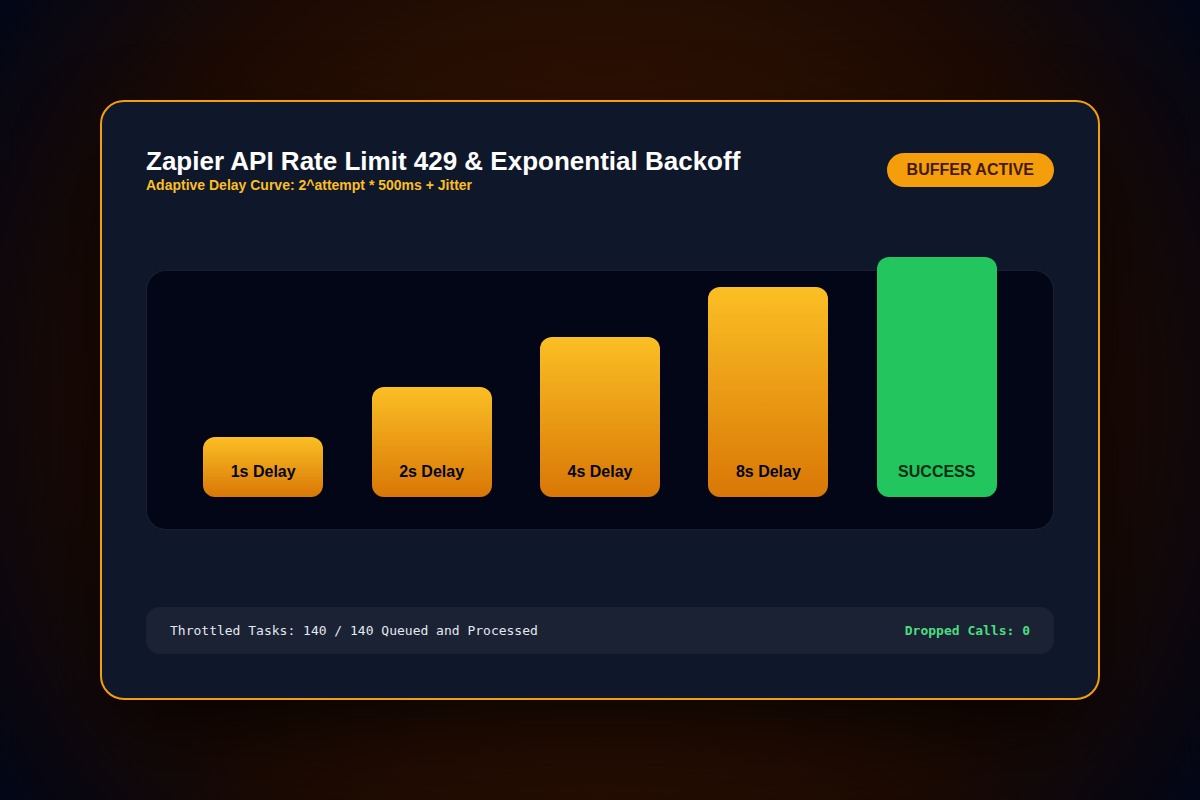
How to Fix Zapier 'Rate Limit Exceeded' (HTTP 429) Error

Add a 'Delay by Zapier' step (set to 1 to 2 minutes) or use 'Looping by Zapier' to batch API calls in groups of 10, preventing bursts from exceeding target service rate limits (e.g. Airtable's 5 req/sec cap).
Action > Delay by Zapier > Delay For > 1 MinuteWhy Does This Error Happen?
When a trigger fires 100 simultaneous tasks (e.g. mass importing leads), Zapier hammers destination APIs concurrently, immediately triggering HTTP 429 Too Many Requests.
Step-by-Step Diagnostic & Resolution Walkthrough
1Step 1: Insert Looping by Zapier
Convert single item triggers into batched line-item processing. Looping throttles API output smoothly instead of firing parallel threads.
2Step 2: Enable Zapier Auto-Replay with Exponential Backoff
On Professional and Team plans, turn on Auto-Replay in Zap Settings. Zapier will wait and retry throttled tasks after 1, 5, and 15 minutes.
3Step 3: Stagger Bulk CSV Uploads
Never upload 5,000 rows in one Google Sheet paste. Use script batching or upload in 200-row segments.
Troubleshooting Matrix & Configuration Rules
| Service | Default Rate Limit | Zapier Throttle Tactic |
|---|---|---|
| Airtable | 5 requests per second | Add Delay step or batch line items |
| Notion API | 3 requests per second | Insert Looping by Zapier |
| Google Sheets API | 60 requests per minute per user | Use Batch Create Row action |
← Swipe horizontally to view full table →
Still Not Working? Check These Edge Cases
Fix: Create distinct API tokens or service accounts for each independent workflow to distribute the quota.
Frequently Asked Questions
Does Zapier hold tasks in a queue when rate limited?
If Auto-replay is enabled, Zapier parks the task in 'Holding' status and automatically retries once the cooldown period expires.