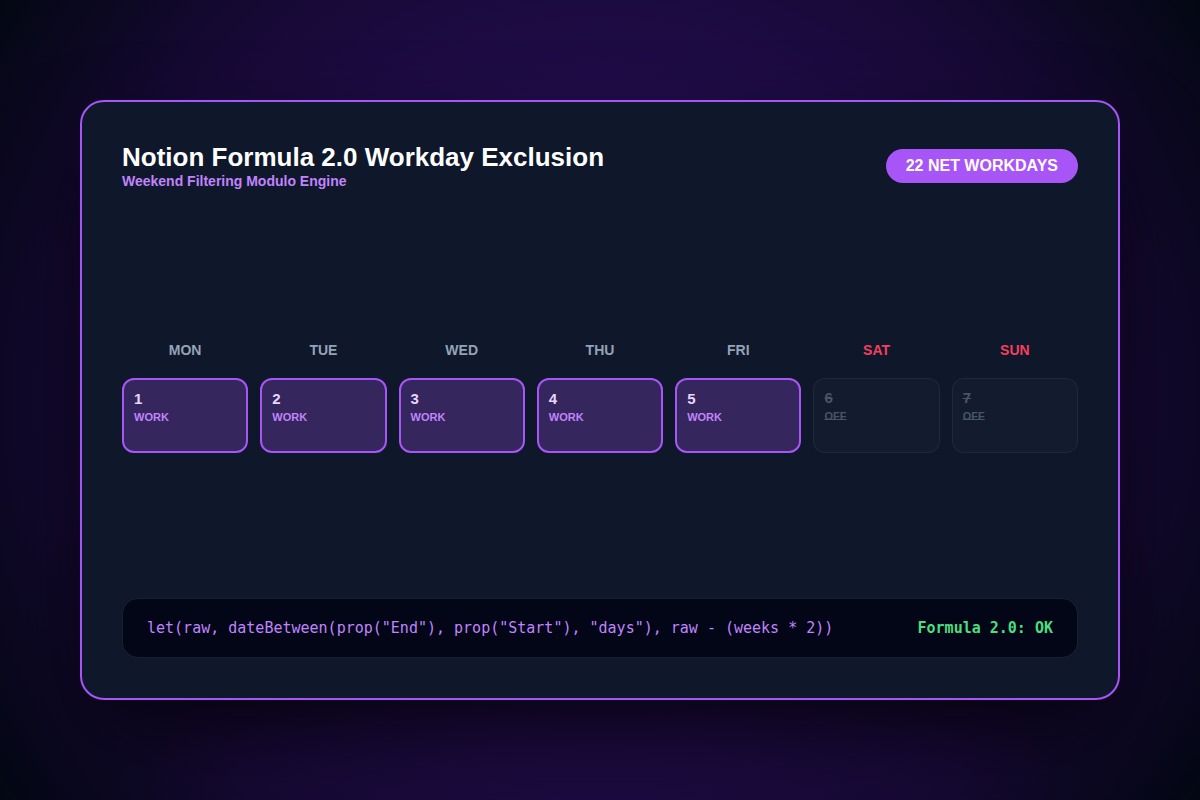
How to Calculate Workdays in Notion Formula 2.0 (Exclude Weekends)

In Notion Formula 2.0, use dateBetween to find total days, subtract full weekend weeks (multiplied by 2), and adjust for boundary weekend days using day() modular arithmetic.
let(days, dateBetween(prop("End Date"), prop("Start Date"), "days"), days - 2 * floor(days / 7))Why Does This Error Happen?
Notion's native dateBetween(..., 'days') counts every calendar day consecutively, forcing project managers to artificially adjust deadlines when calculating sprint duration.
Step-by-Step Diagnostic & Resolution Walkthrough
1Step 1: Create 'Start Date' and 'End Date' Properties
Ensure your database has two Date properties, or a single Date property with both start and end dates enabled.
2Step 2: Add a New Formula Property
Add a property named 'Working Days', select Formula, and click Edit Formula.
3Step 3: Paste the Workday Formula
Paste the verified Formula 2.0 snippet. It accounts for full weeks and eliminates weekend skew automatically.
let(start, prop("Start Date"), let(end, prop("End Date"), let(totalDays, dateBetween(end, start, "days"), totalDays - 2 * floor(totalDays / 7))))Troubleshooting Matrix & Configuration Rules
| Start Date | End Date | Native dateBetween | Workdays Formula 2.0 |
|---|---|---|---|
| Monday | Friday (Same week) | 4 days | 4 working days |
| Friday | Following Monday | 3 days | 1 working day (Excludes Sat & Sun) |
| 2-Week Project Period | 14 calendar days | 14 days | 10 working days |
← Swipe horizontally to view full table →
Still Not Working? Check These Edge Cases
Fix: Wrap the formula inside an IF check: if(prop('End Date') < prop('Start Date'), 0, [formula]) to prevent negative workday calculations.
Frequently Asked Questions
Does this formula work in the legacy Notion Formula 1.0?
No. The let() and floor() functions are exclusive to Notion Formula 2.0. All modern workspaces created after September 2023 use Formula 2.0 by default.